Screenshots captured by the automated headless-browser test runs (2026-09-16). These are the actual states the AI verified while building and debugging the SMW Level Maker.
⭐ BEFORE / AFTER — ?-block dropped onto the live gameTop: the level as loaded. Bottom: after dragging a ?-block from the palette and dropping it at 45%/35% of the live game view — the block (orange, with the question mark) now sits in the level. Zoom in!
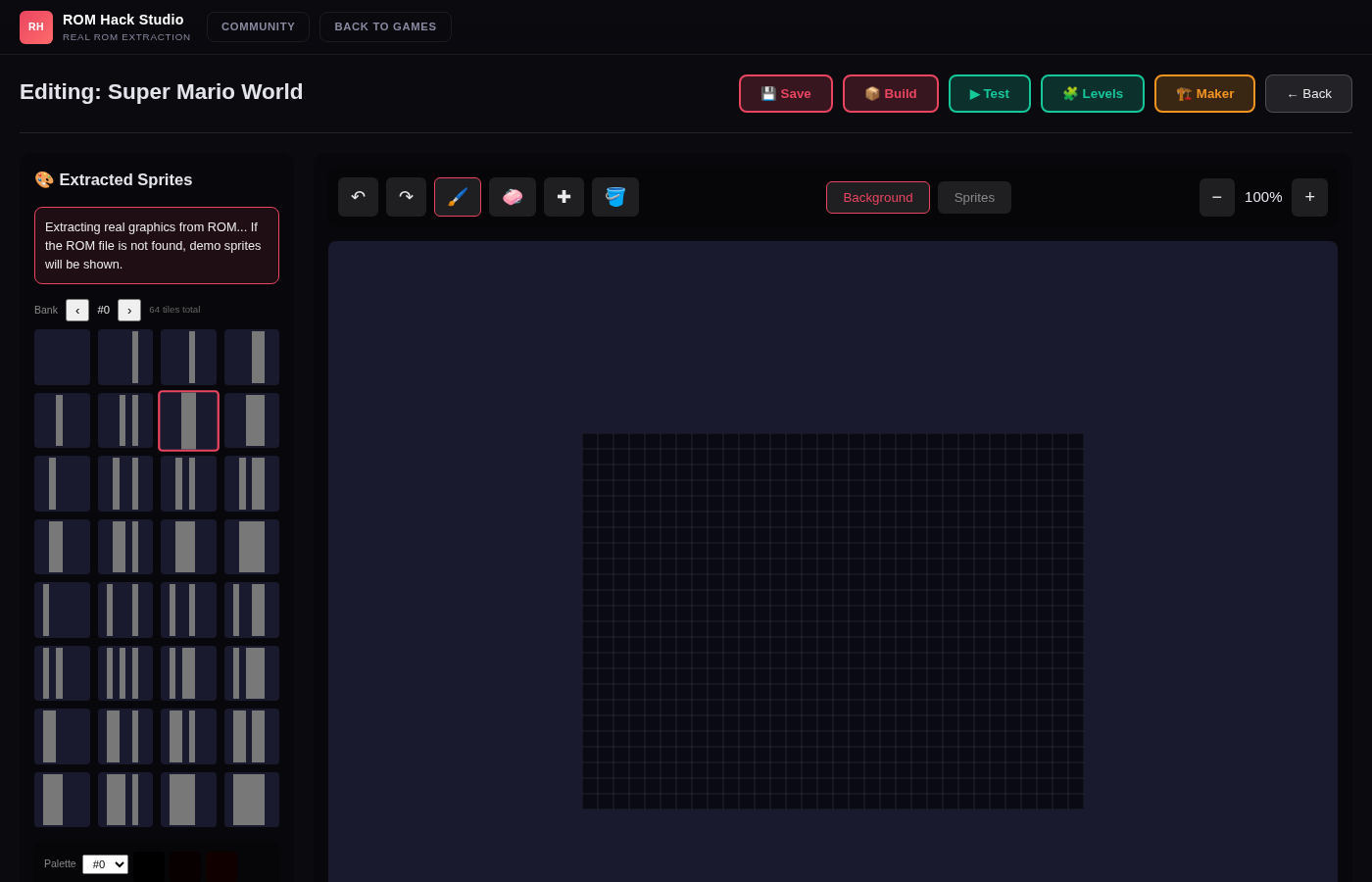
1. Editor toolbar in viewAfter Start Hacking — Save / Build / Test / Levels / Maker / Back all visible (the earlier above-the-fold bug, fixed).
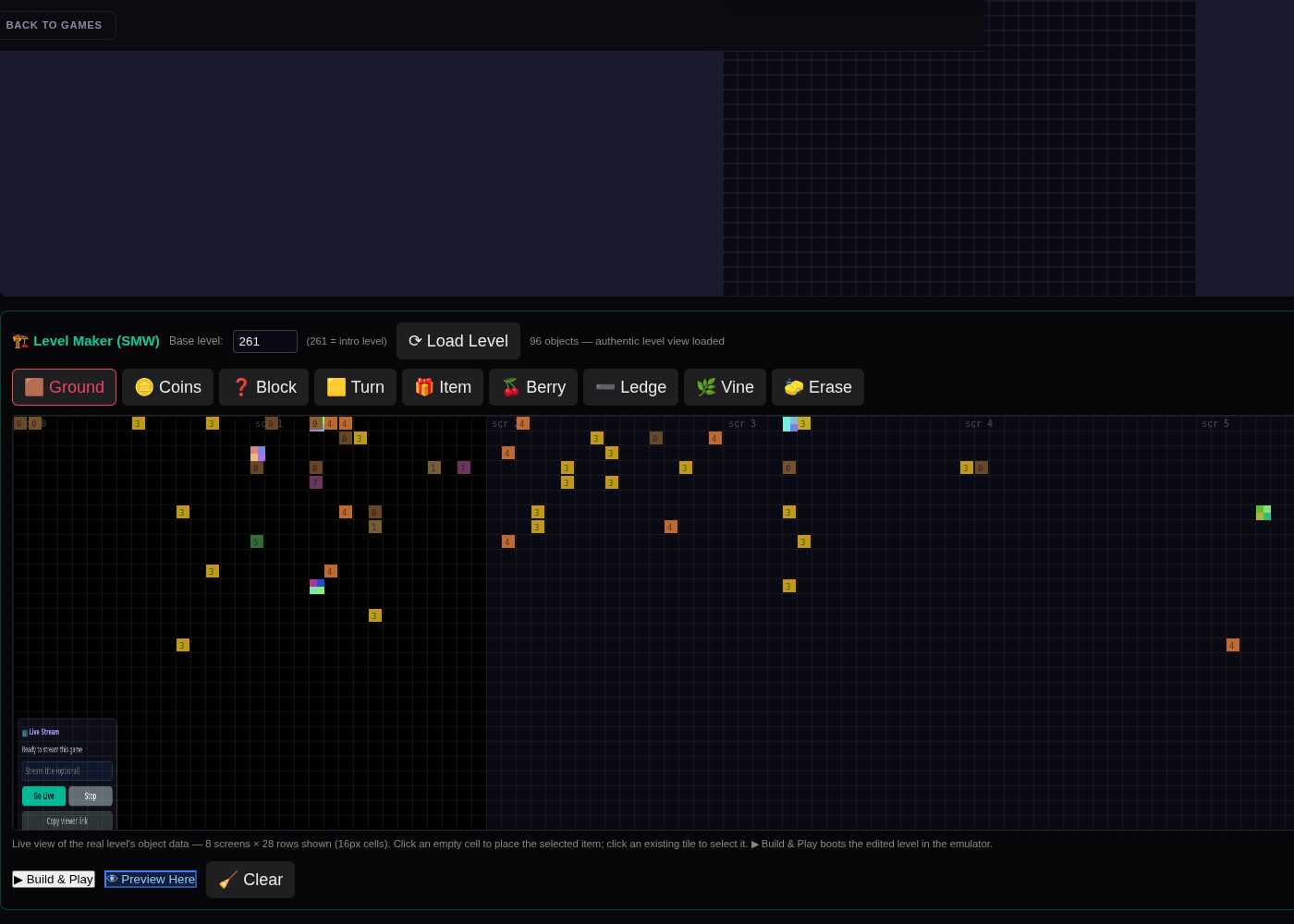
2. Maker panel openedPalette, live canvas, Build & Play controls after clicking 🏗️ Maker.
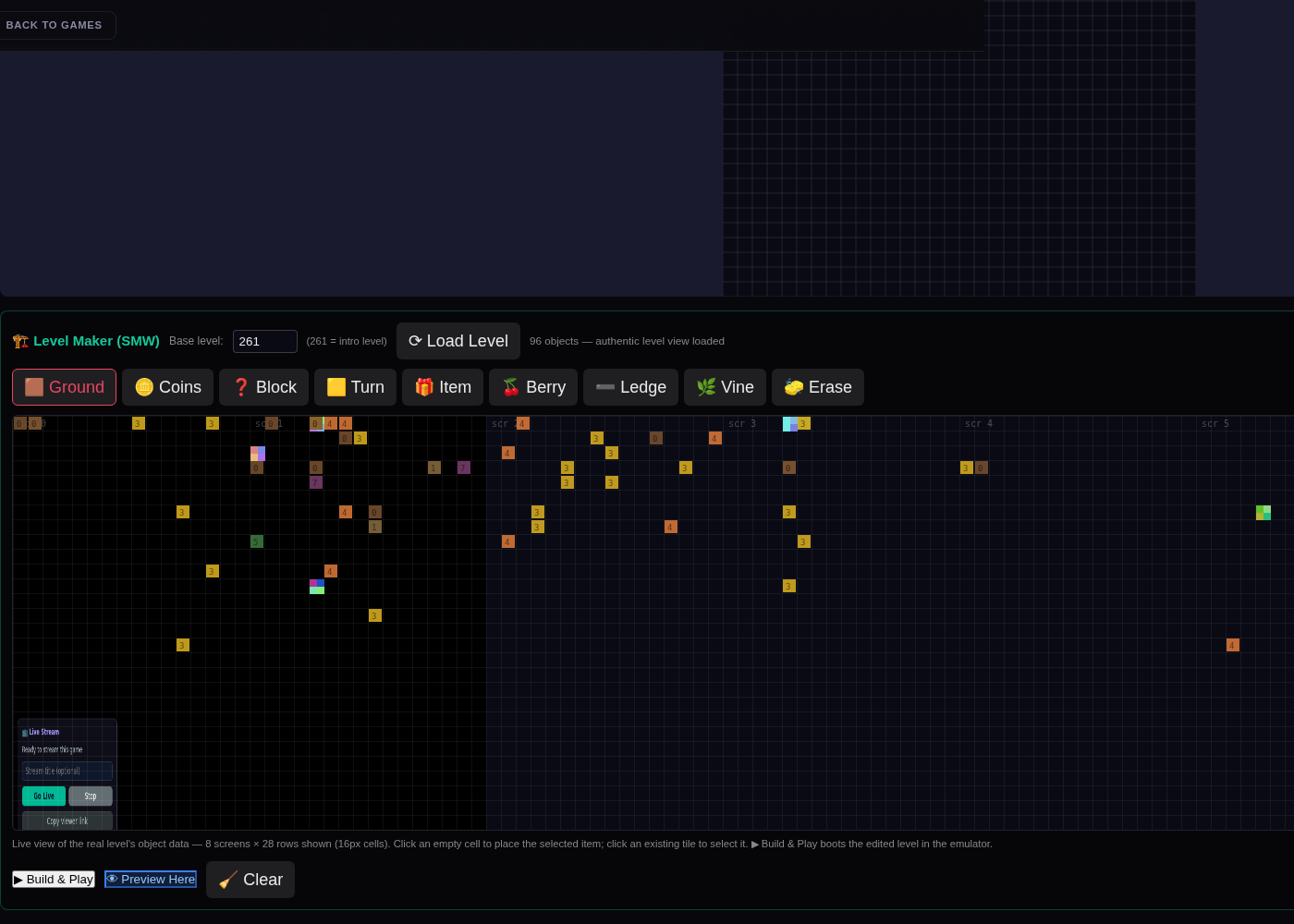
3. Authentic level backdropThe maker canvas showing the REAL game's rendering of the intro level (server-side emulator screenshot) with the placement grid on top.
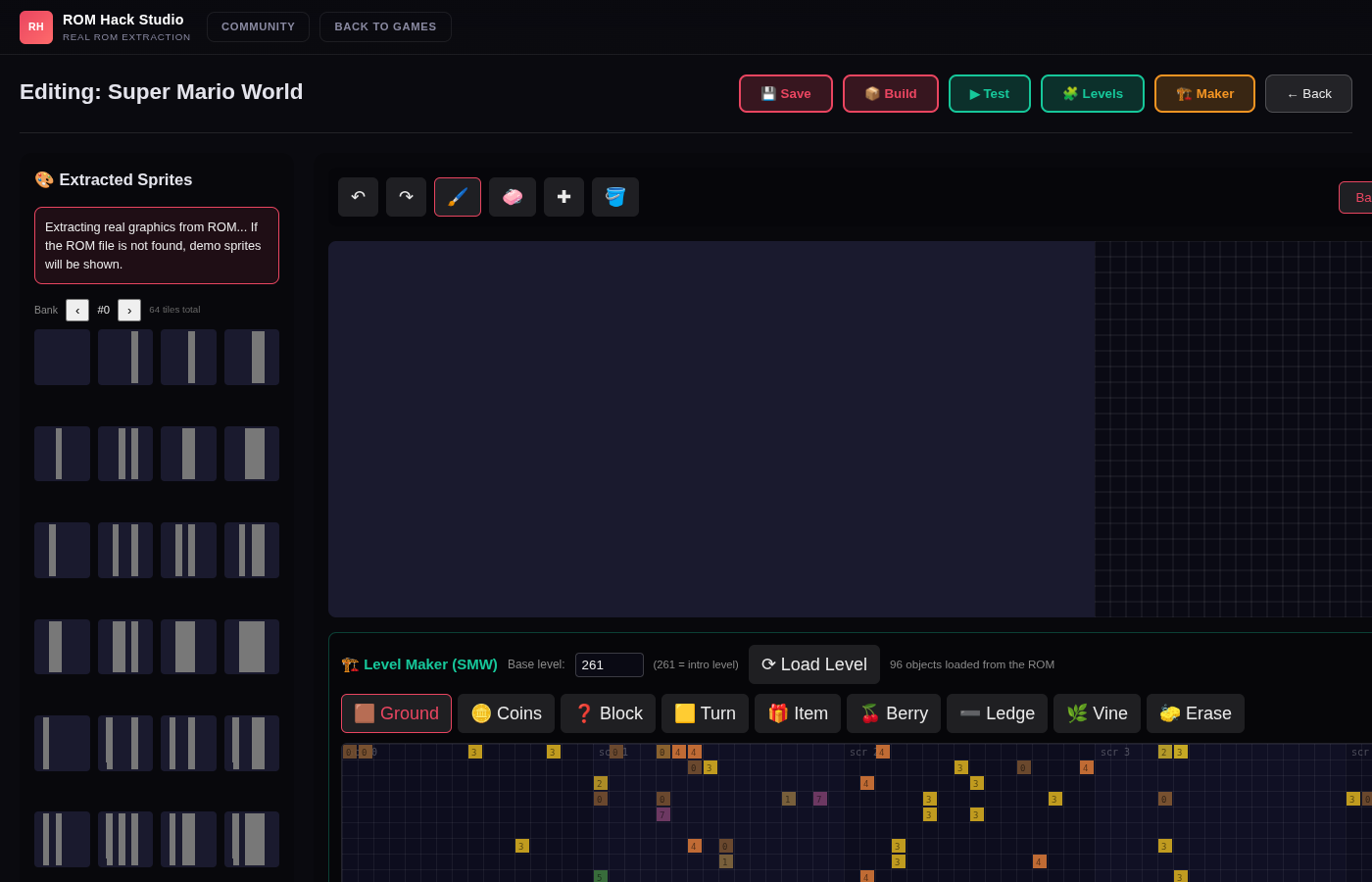
4. Live editor, decoded objectsThe level's 96 decoded objects rendered on the canvas grid before the authentic backdrop was added.
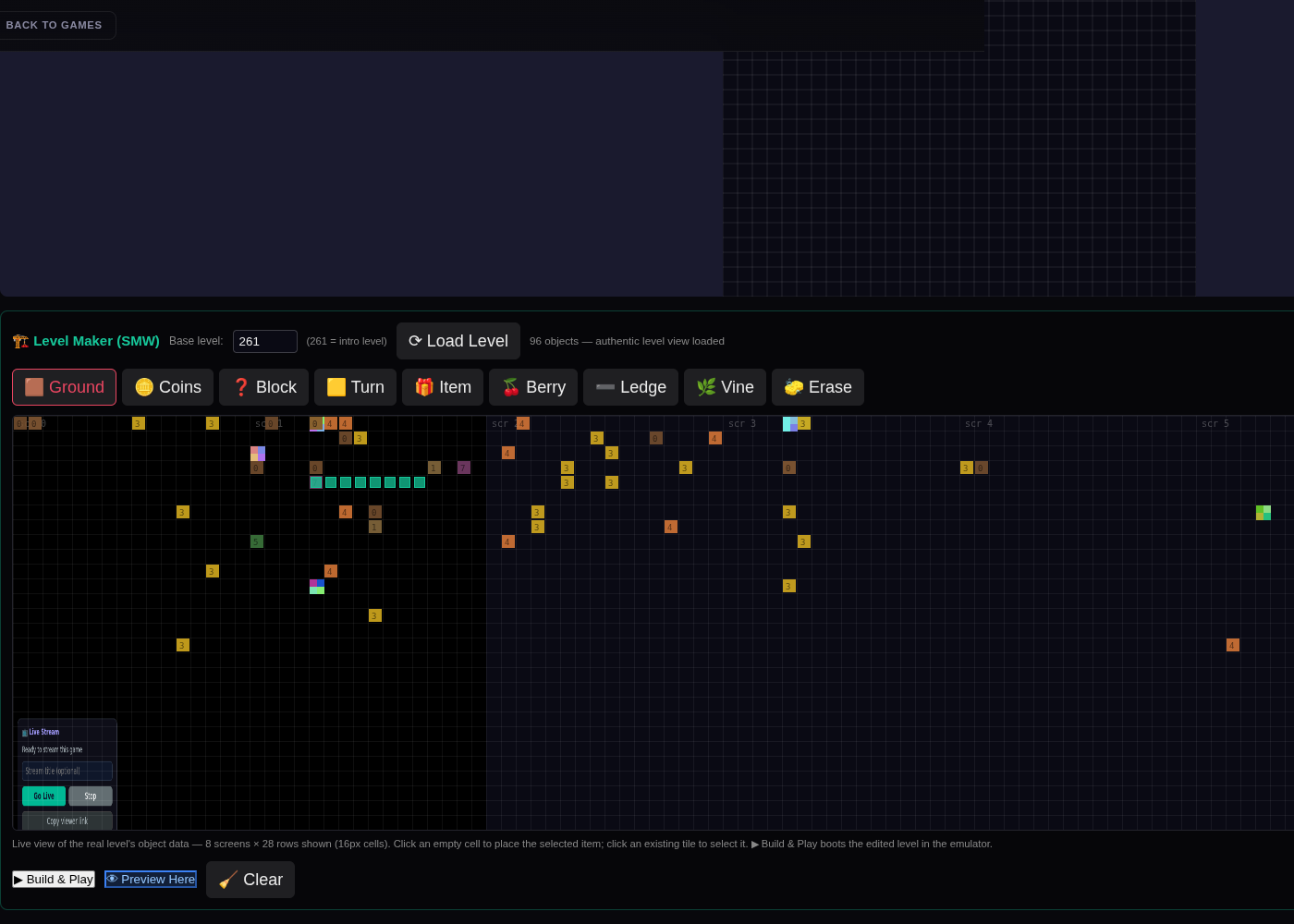
5. Sweep painting (SMM-style)Hold-and-drag paints a strip of ground tiles — teal markers show the placements.
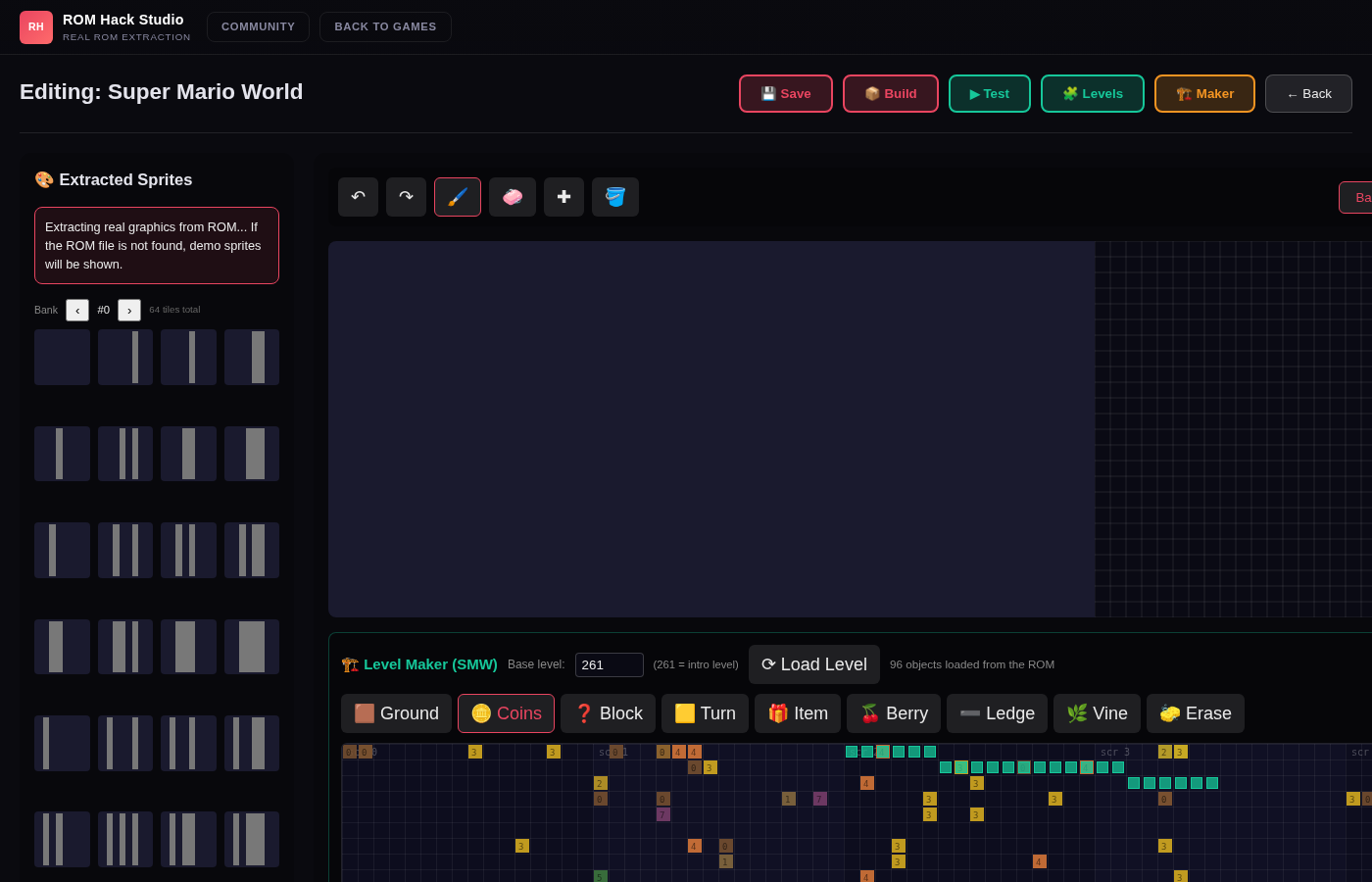
6. Drag & drop placementA palette item dragged from the toolbar and dropped onto the level canvas.
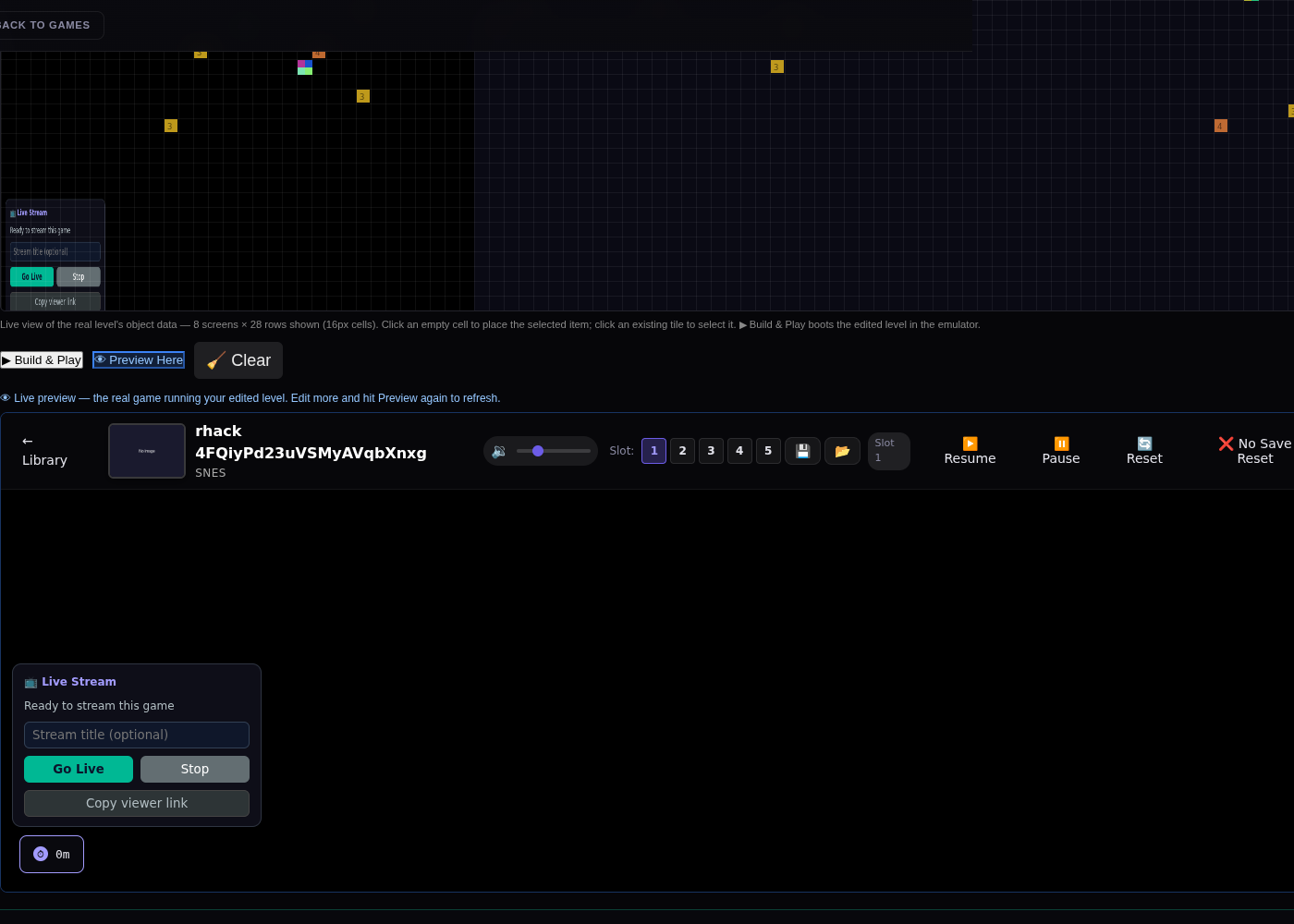
7. 👁 Live preview inside the editorThe real emulator embedded in the maker panel, running the edited level — Mario standing on the newly placed ground strip.
8. Built level in the emulatorBuild & Play navigates to the play page; the placed tiles are in the level.
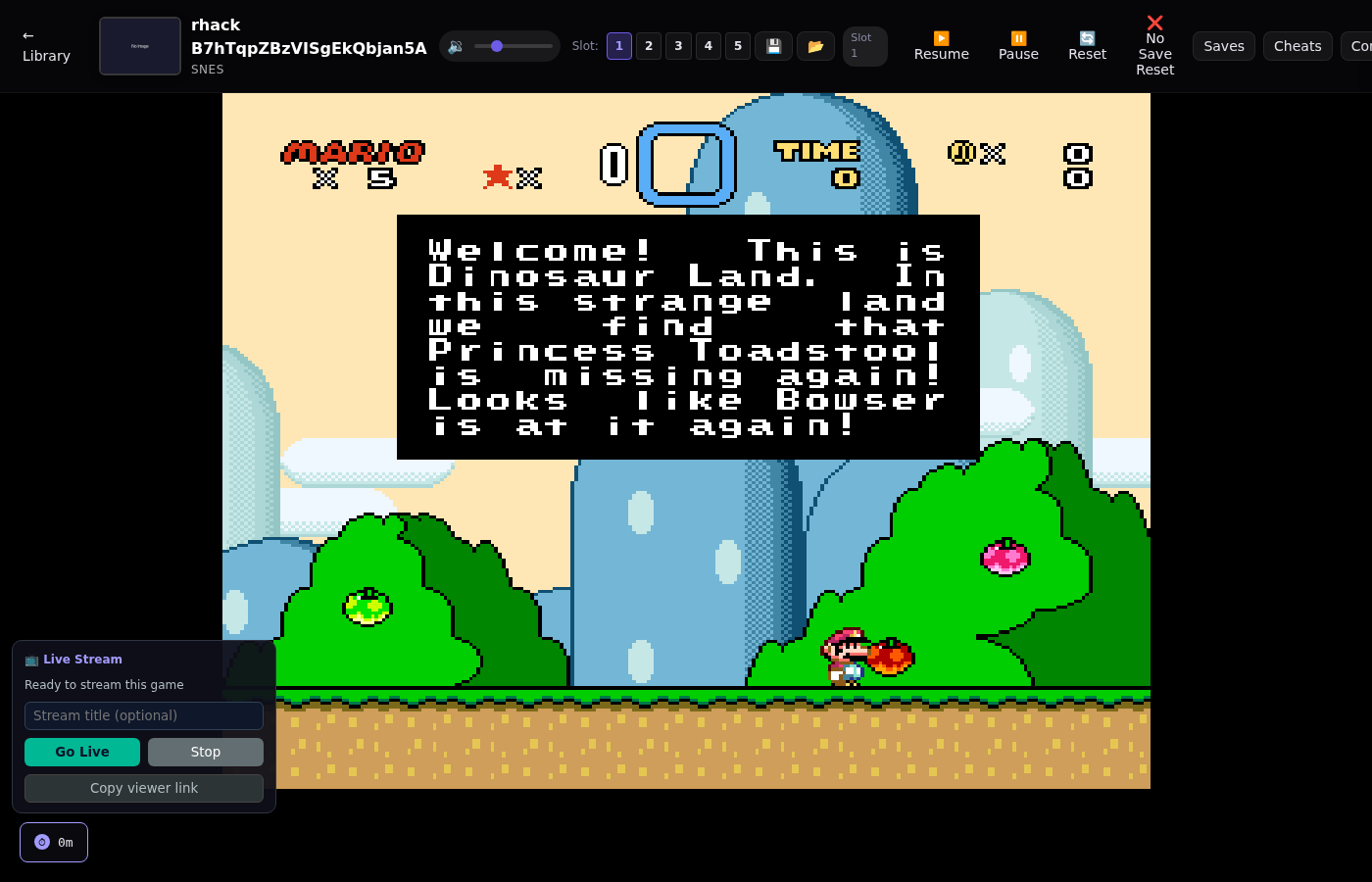
9. Drag-built level, gameplayFull loop verified: drag-place → build → play, with the added platform visible in real gameplay.
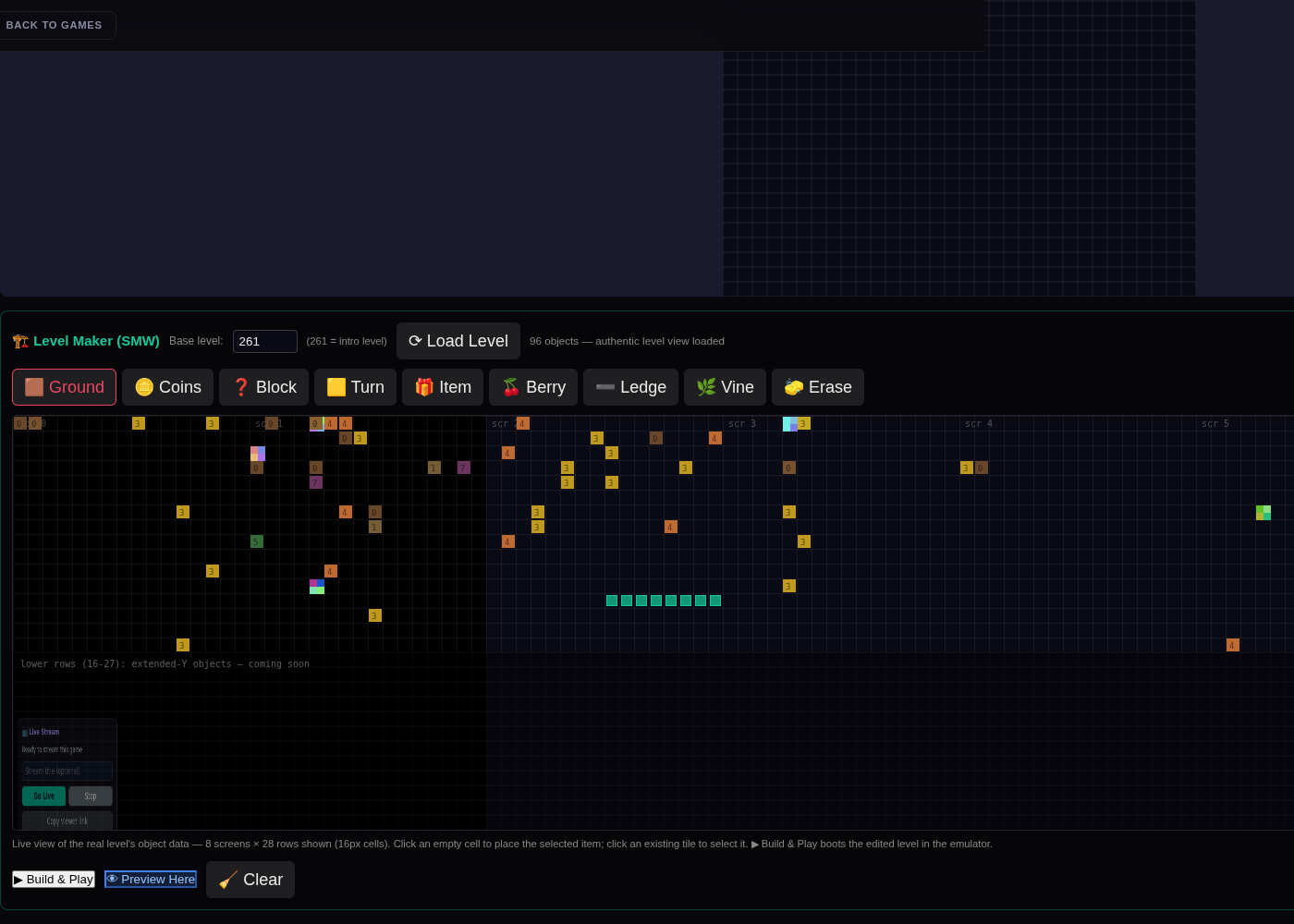
10. Ground strip swept at y=12Hold-and-drag painting on the live canvas (7 cells placed in one gesture).
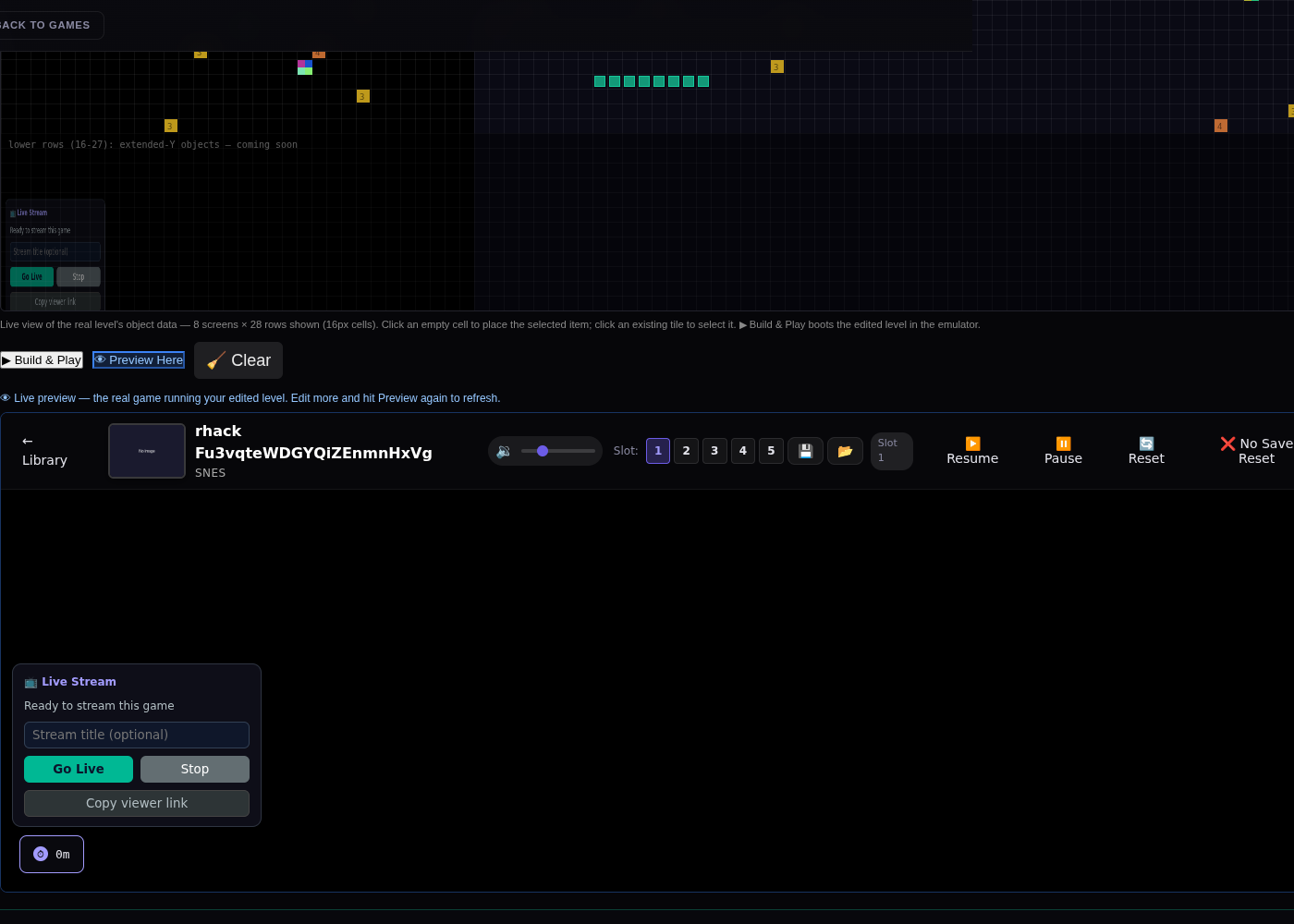
11. Live preview bootedThe real emulator running the edited level inside the maker panel.
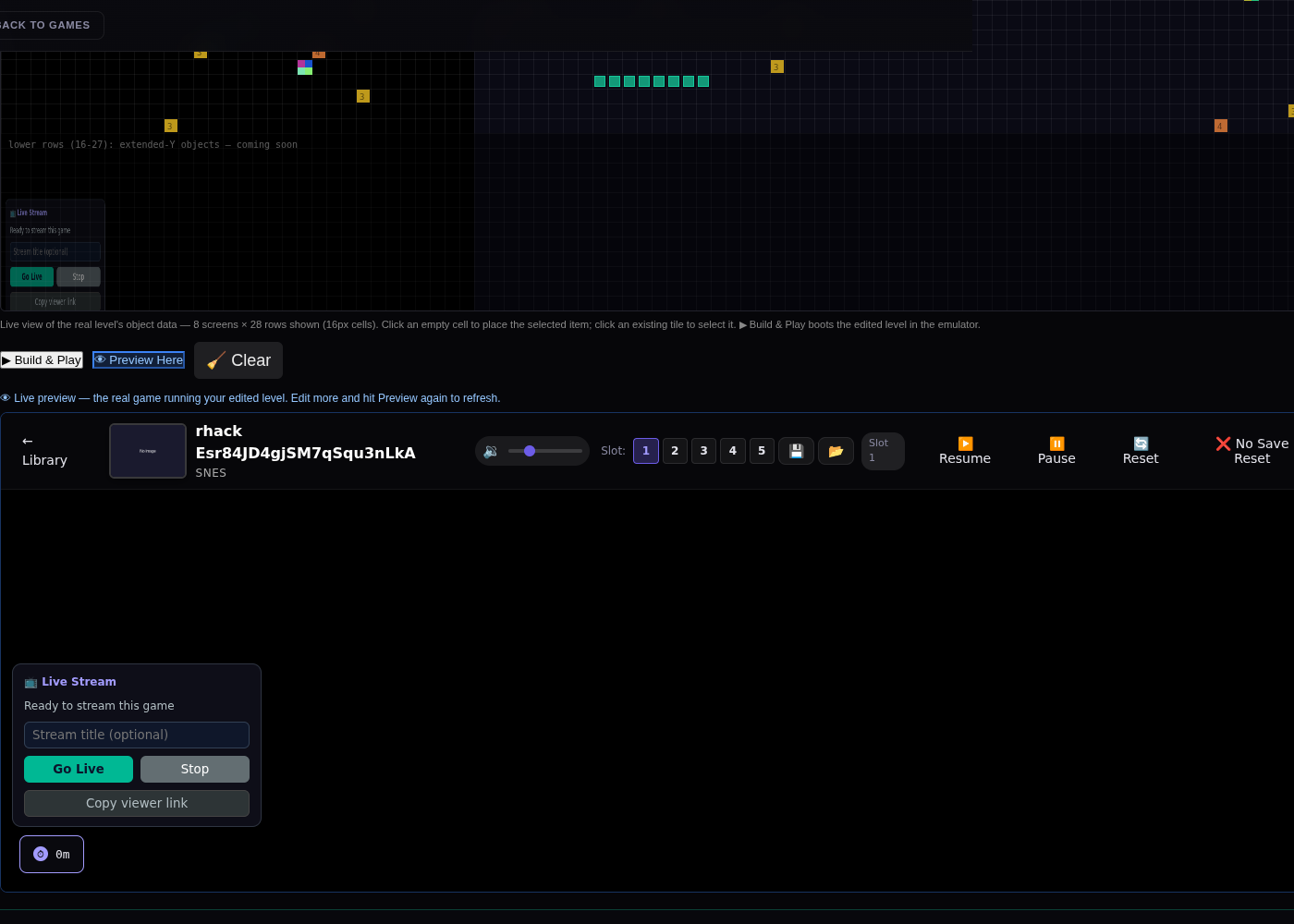
12. ?-block dropped ONTO the live gameDragged from the palette and dropped at 45%/35% of the game view — visible in the level after re-preview.
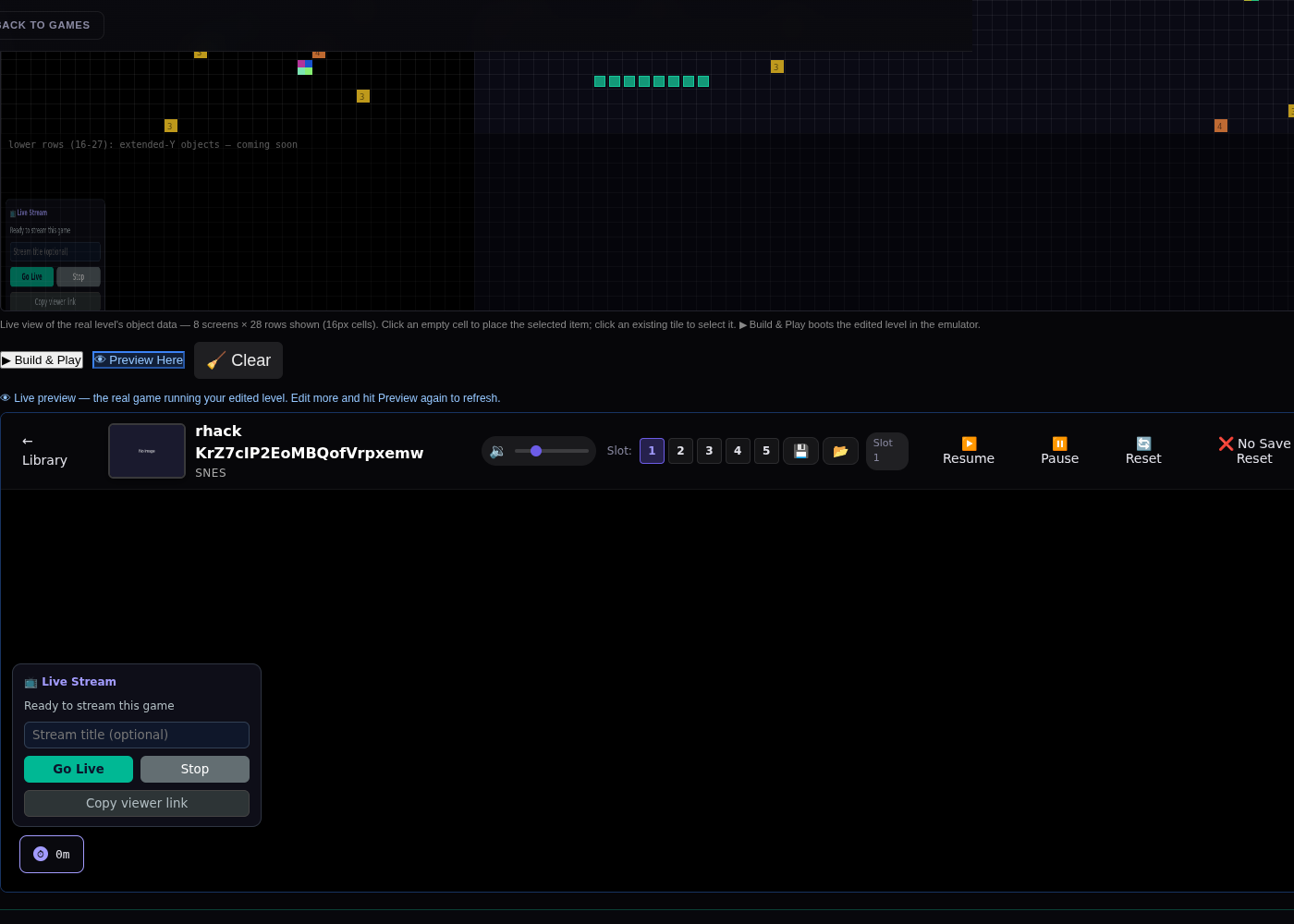
13. Coin row dropped ONTO the live gameSecond drop at 60%/25% — both items now live in the level alongside the swept ground strip.